Understanding Deal Feeds
Learn how BrickSeek's deal feeds work and when to use each one to discover the best opportunities.
Understanding Deal Feeds
Deal feeds are the fastest way to discover great opportunities on BrickSeek.
Rather than searching for a specific product, deal feeds let you browse products that match different shopping styles and goals.
Each feed is designed with a different purpose in mind, making it easy to find deals that fit how you like to shop.
Five Ways to Discover Deals
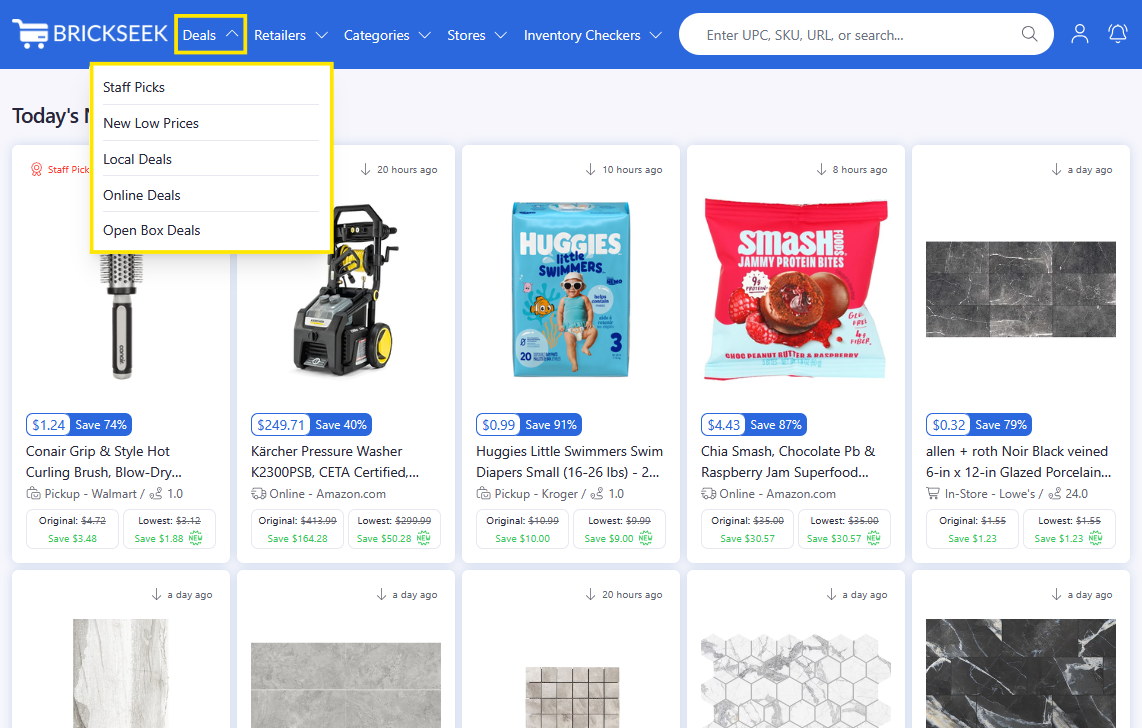
BrickSeek offers several deal feeds, each designed to help you discover products in a different way.
You'll see:
- Staff Picks
- New Low Prices
- Local Deals
- Online Deals
- Open Box Deals
Each feed uses the same underlying pricing data but presents it differently depending on what you're looking for.
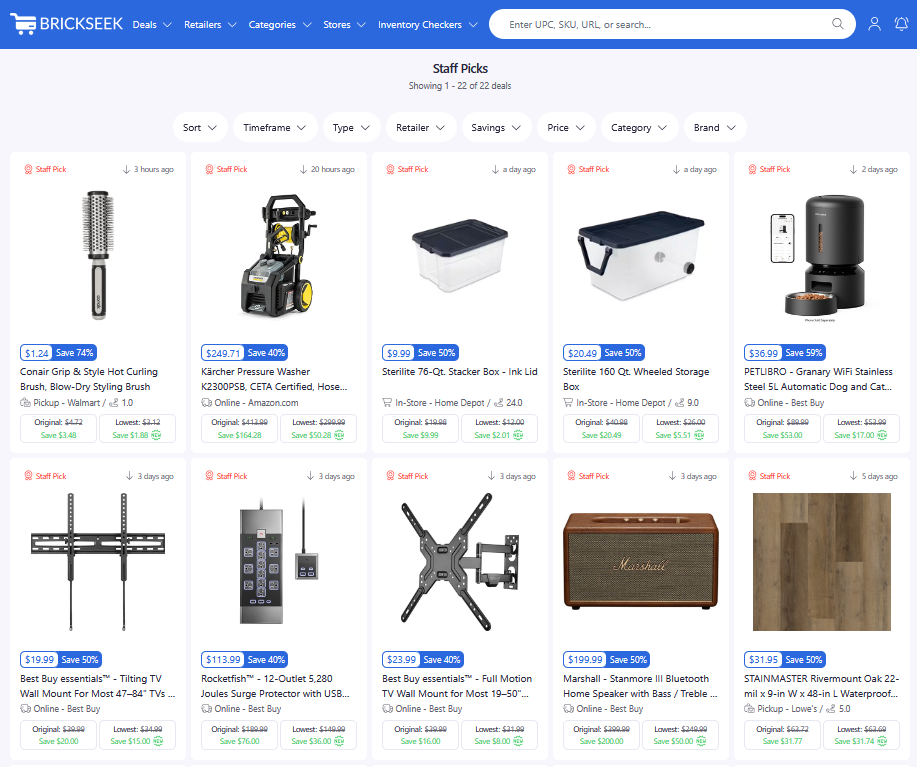
Staff Picks
Staff Picks highlights interesting products selected by the BrickSeek team.
These aren't necessarily the biggest discounts—they're products we believe members will find especially useful, interesting, or noteworthy.
If you're new to BrickSeek, Staff Picks is a great place to begin.
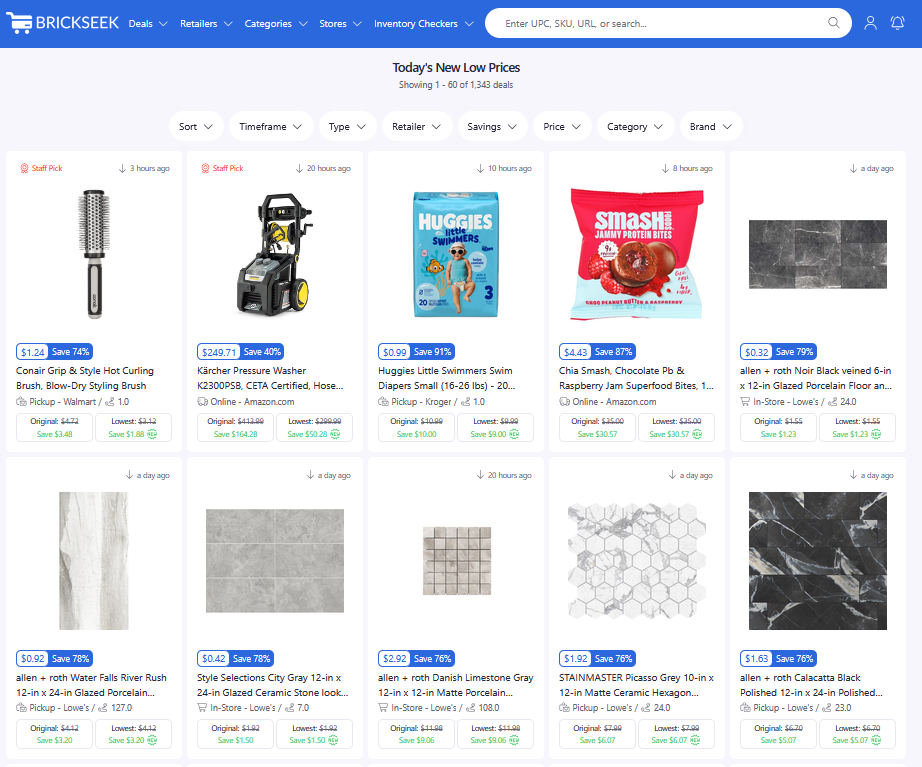
New Low Prices
This feed focuses on products that have recently reached a new low price.
It's perfect for members who like checking BrickSeek regularly to see what's changed.
If you enjoy discovering fresh opportunities every day, this is one of the best places to browse.
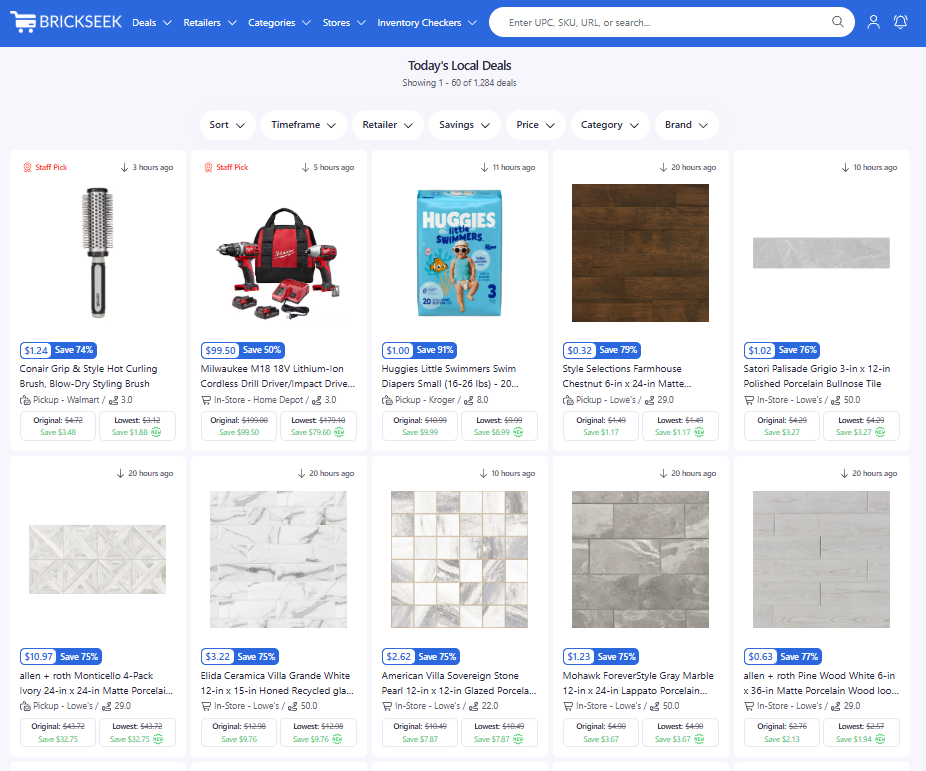
Local Deals
Local Deals helps you find opportunities at the stores you've selected in My Stores.
Since many retailers price products differently by location, this feed is one of the best ways to discover nearby clearance opportunities.
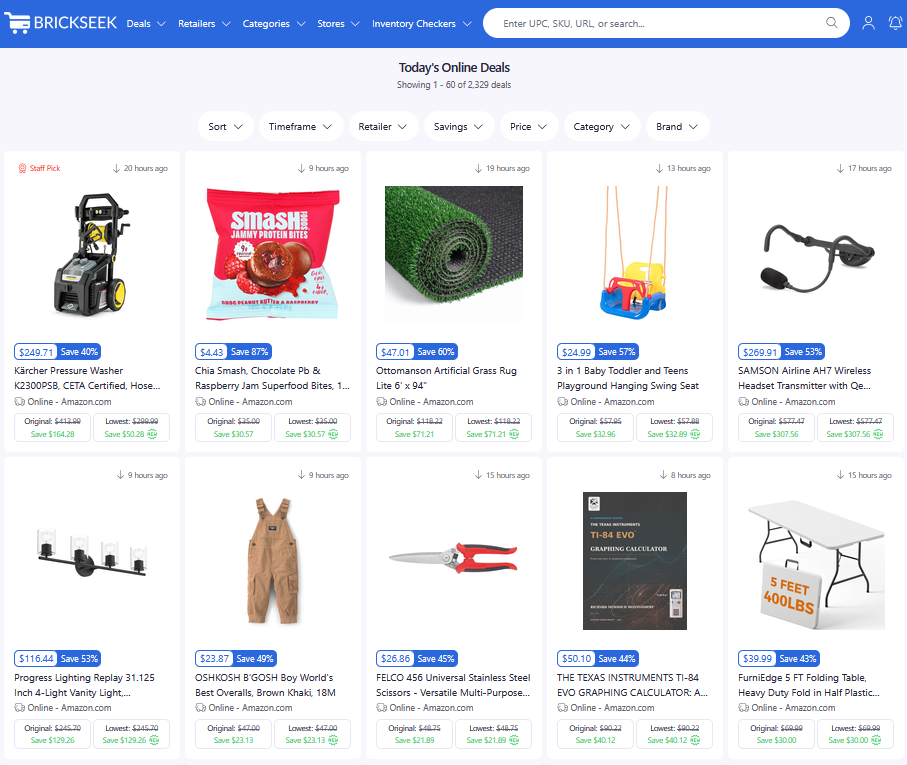
Online Deals
Online Deals focuses on products that can be purchased online from supported retailers.
If you prefer shopping from home, this feed is a great way to discover current online savings.
Open Box Deals
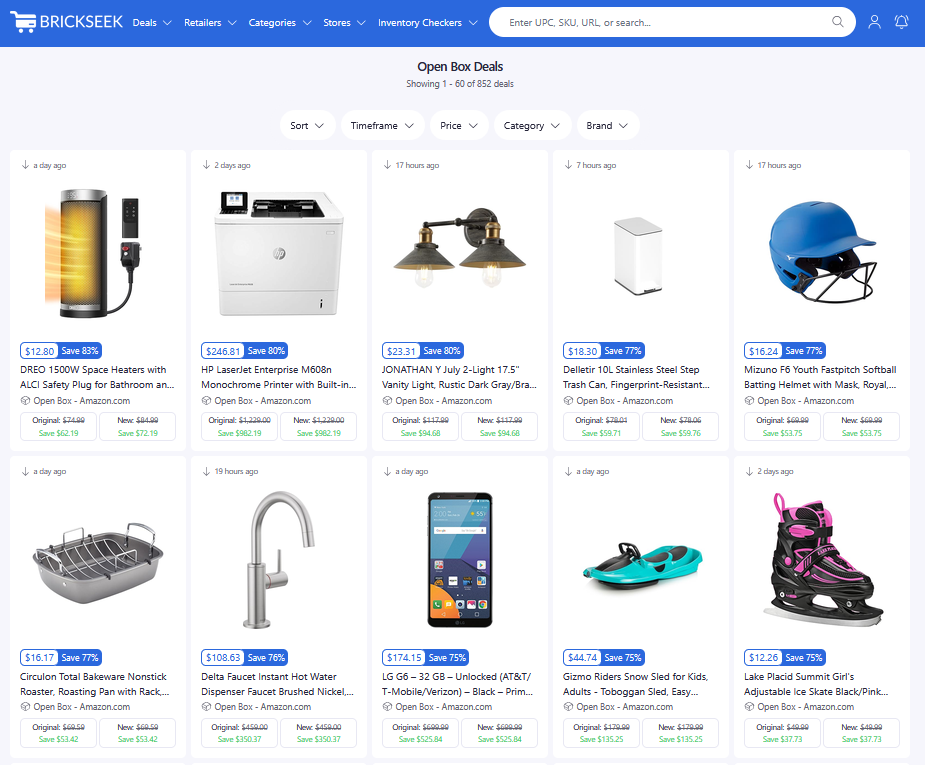
Open Box Deals help you discover significant savings on products that have been returned, inspected, and offered for resale by participating retailers. These items are often in like-new or excellent condition and can provide substantial discounts compared to buying new.
Use the available filters to narrow results by timeframe, price, category, or brand, making it easy to find open box opportunities that match what you're shopping for.
Tip: Open Box inventory is often limited and changes frequently. If you find a product you're interested in, it's a good idea to act quickly before it's no longer available.
Which Feed Should I Use?
There isn't a single "best" feed. Each serves a different purpose.
If you're...
- New to BrickSeek → Start with Staff Picks.
- Looking for recently discounted products → Browse Today's New Low Prices.
- Hunting local clearance or in-store deals → Check Local Deals.
- Shopping from home → Explore Online Deals.
- Looking for deep discounts on returned or like-new items → Browse Open Box Deals.
Most experienced members use a combination of all five feeds to discover the best shopping opportunities.
Pro Tips
💡 Save interesting products to your Deal Alerts if you're not ready to buy yet but want to be notified of price drops.
💡 Use filters to narrow large lists of products.
💡 Check multiple feeds regularly—different opportunities appear in each one.
💡 Clicking any product opens the Product Page with additional pricing and inventory information.
Frequently Asked Questions
Do all deal feeds show the same products?
Not always. Each feed is designed to surface products using different criteria, so you'll often see different opportunities in each one.
Which feed updates the most?
Deal availability changes throughout the day. If you're looking for recently reduced prices, Today's New Low Prices is a great place to start.
Can I search instead of browsing?
Absolutely. You can use the search bar to look up specific products by keyword, UPC, SKU, or even a retailer product URL.
Related Lessons
- Staff Picks
- New Low Prices
- Browsing Local Deals
- Online Deals